Record meetings, lectures, and ideas.
Every sentence you write is pinned to the exact
moment in the audio — so you always know where to look.
Free to download. No subscription required to get started.
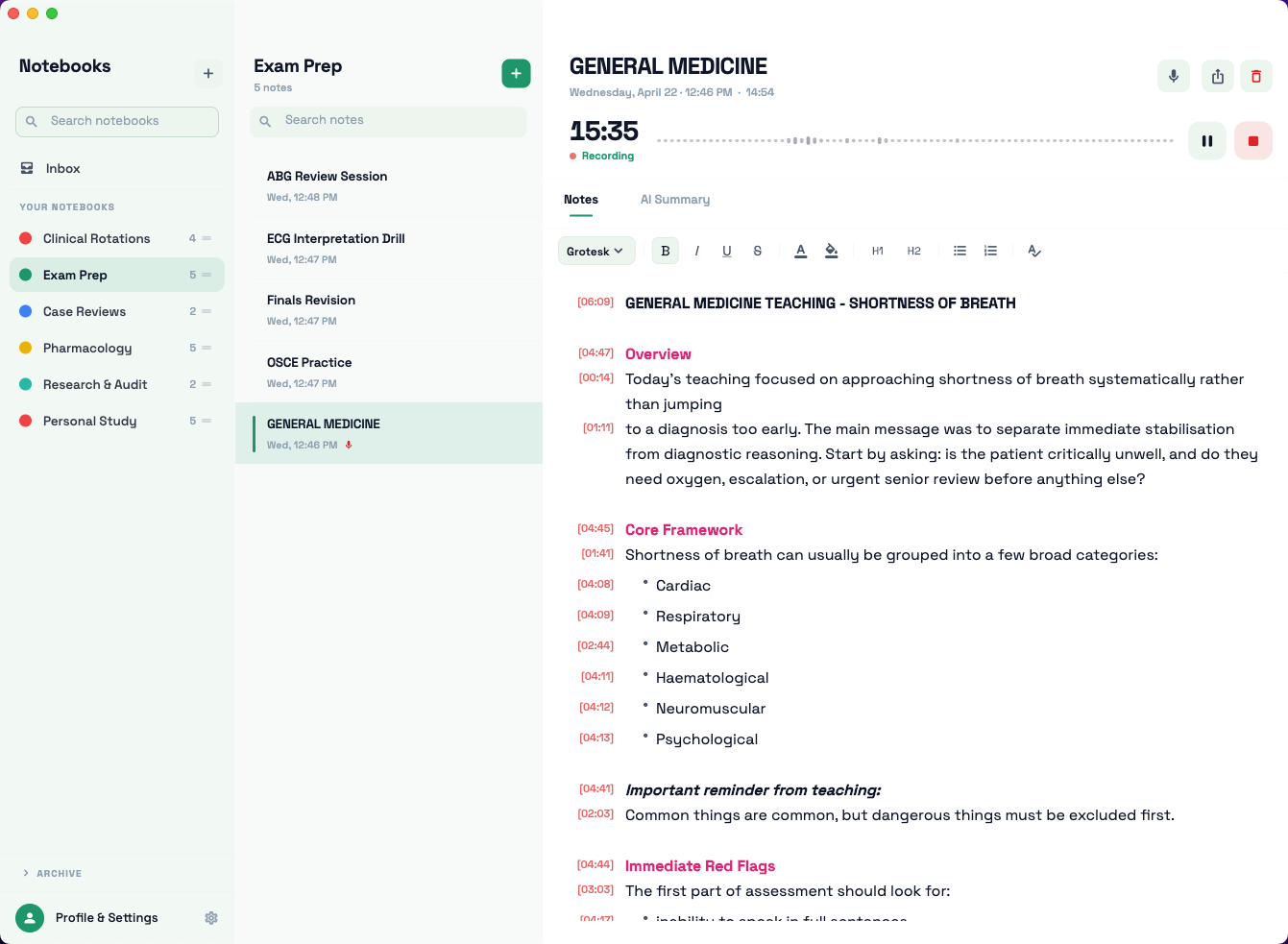
Add assets/screenshot-hero.png
Use the light-mode full app screenshot
Features
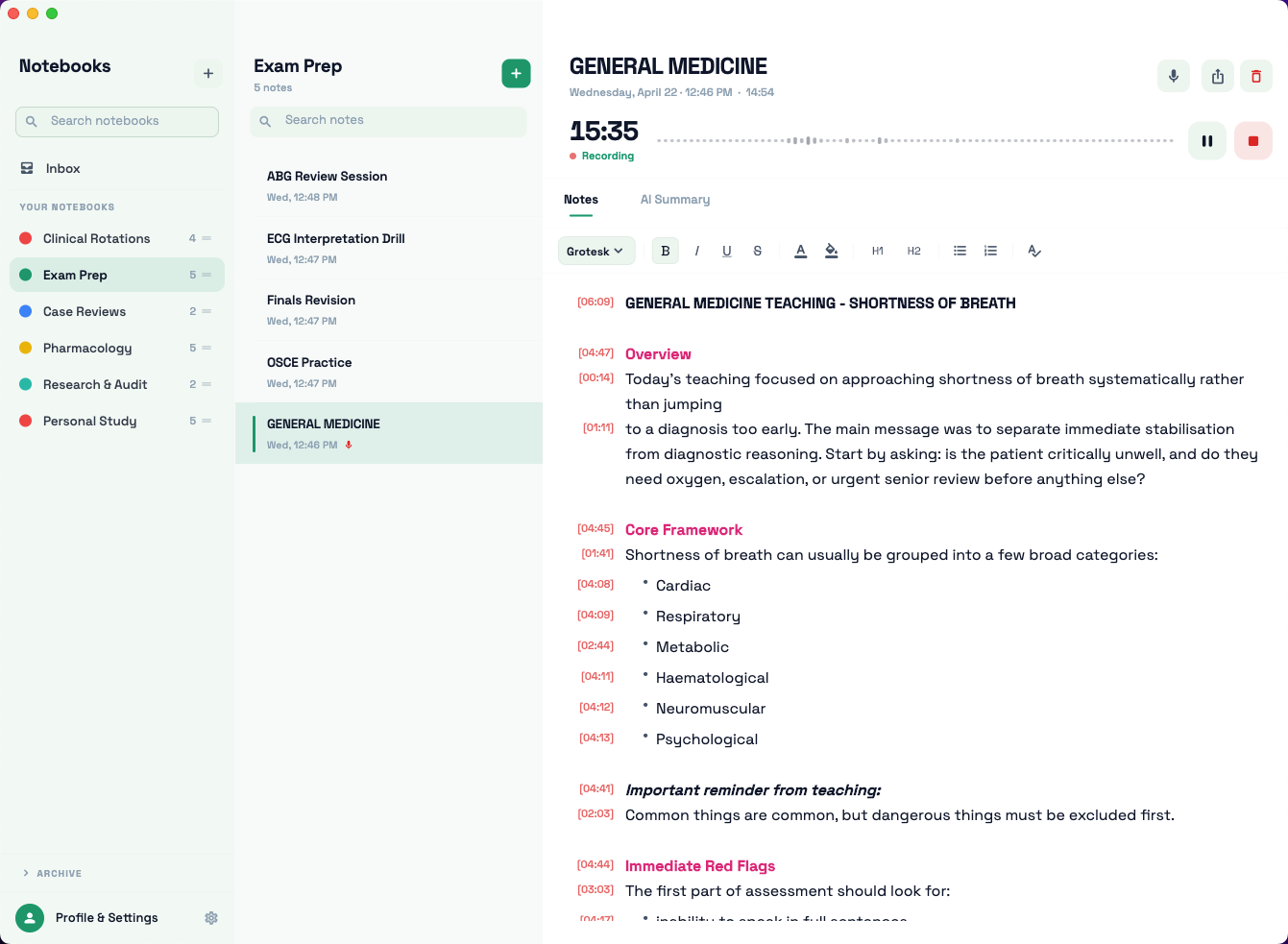
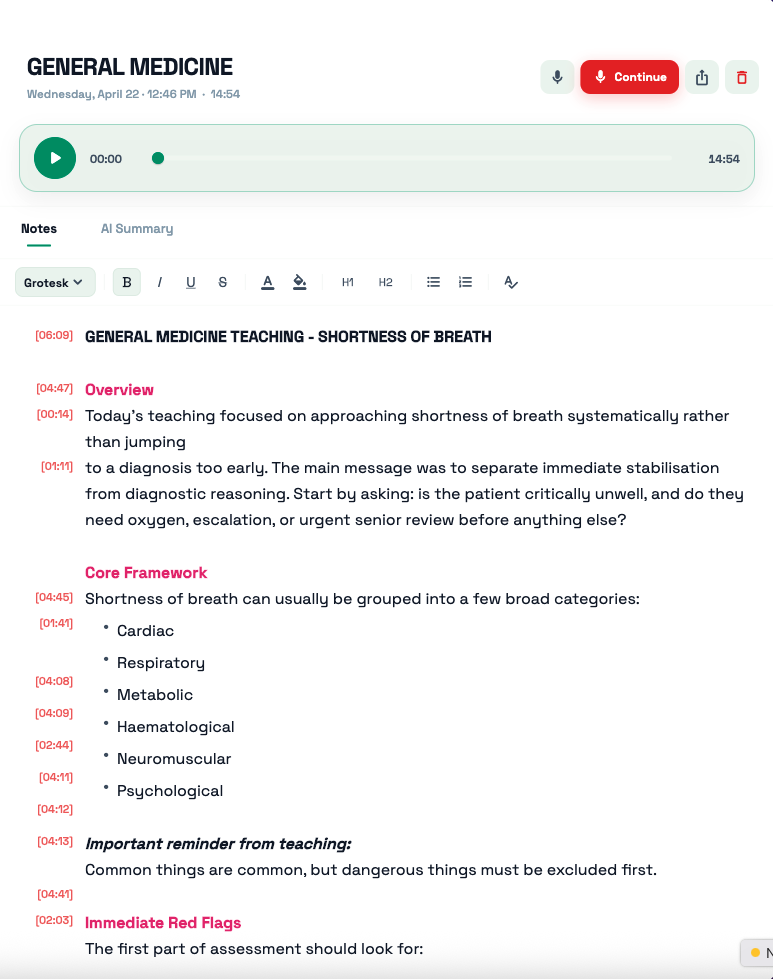
Every line you type is logged with the exact moment in the recording. Click any timestamp to jump straight there.
Record meetings, lectures, or personal sessions directly inside the app. Pause, resume, and continue any recording later.
Organise recordings into colour-coded notebooks. Keep work meetings, personal ideas, and lecture notes completely separate.
Bold, italics, headings, coloured text — a full formatting toolbar so your notes look exactly how you want them.
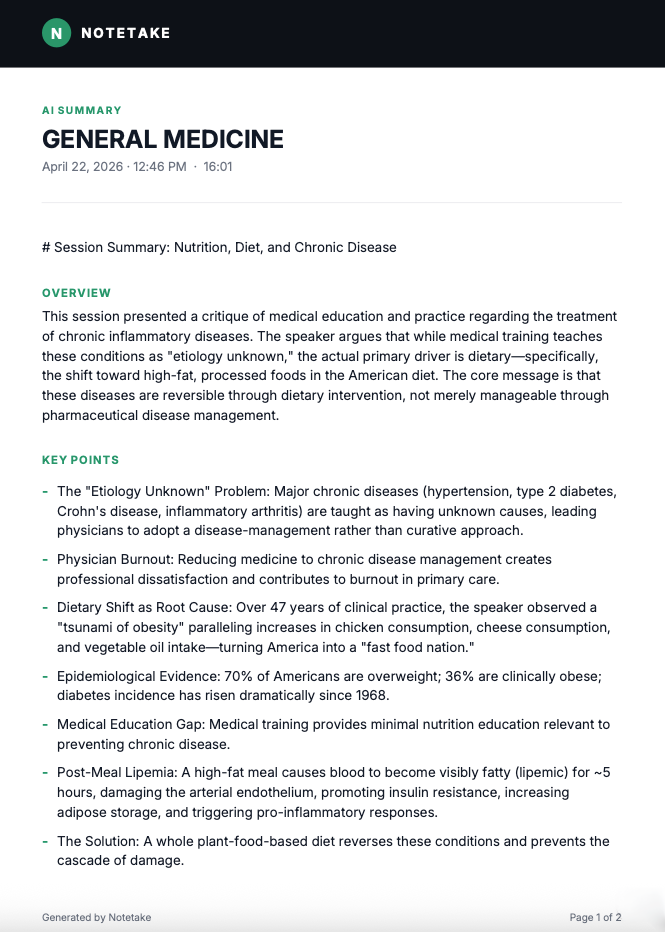
Let AI distil long recordings into concise summaries, action items, and key topics — right inside the note.
Convert any recording into searchable text — find anything said at any point.
Appearance
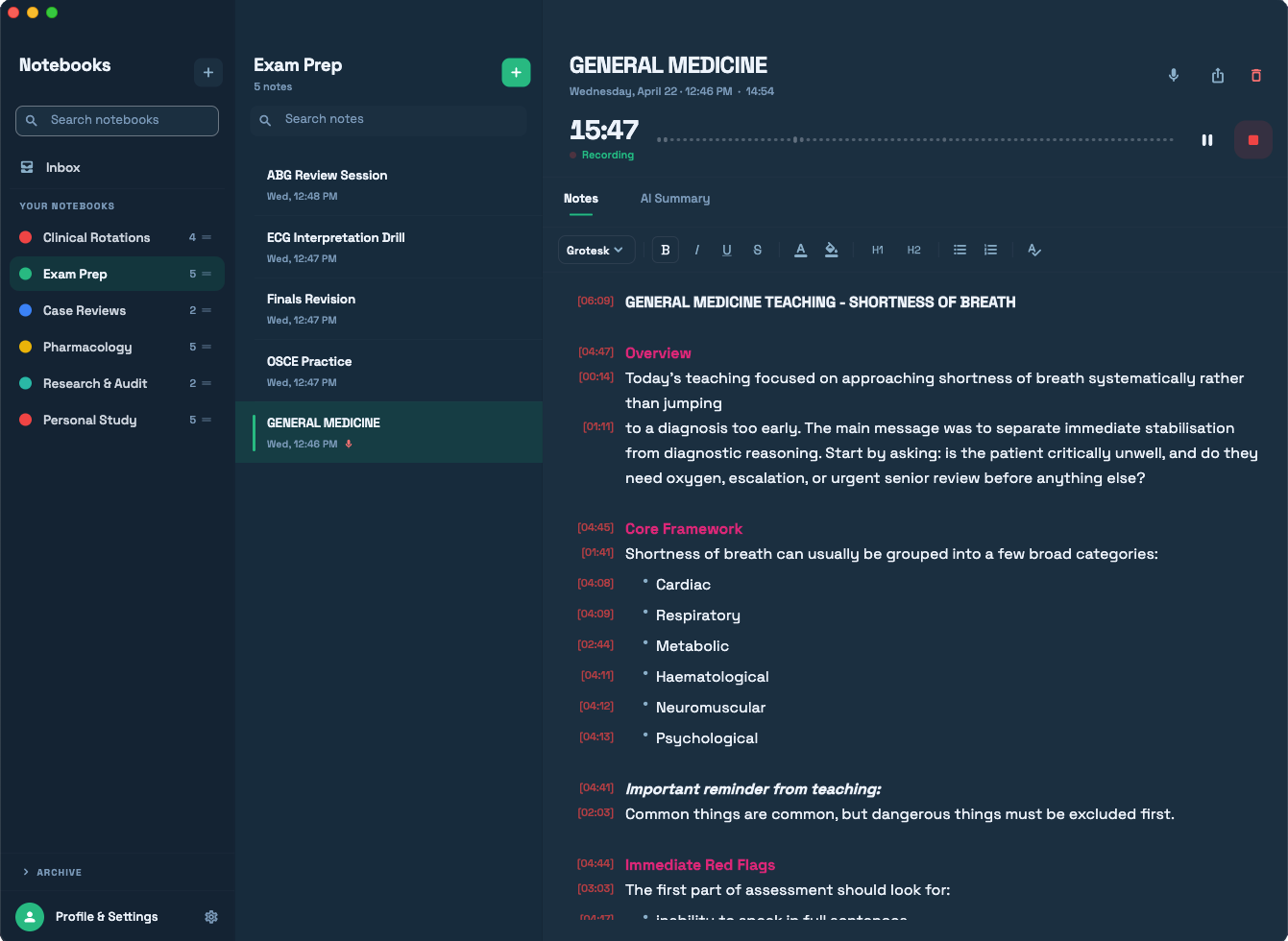
Notetake adapts to your macOS appearance automatically — crisp in dark mode, clean in light.
Add assets/screenshot-dark.png
Add assets/screenshot-light.png
Add assets/screenshot-notes.png
Use the notes-view screenshot (recording active)
How it works
Most note apps separate the recording from the notes. Notetake keeps them together — every sentence links to the audio moment it was written at.
AI-Powered
One click turns an hour-long recording into a structured, readable summary — with key points, action items, and topics extracted automatically.
Add assets/screenshot-ai.png
Use the AI summary screenshot
Free to download. No subscription required to get started. Your notes, your recordings.
Download for Mac — Free